
WP Media Folder v6.2.8
 By ShineGPL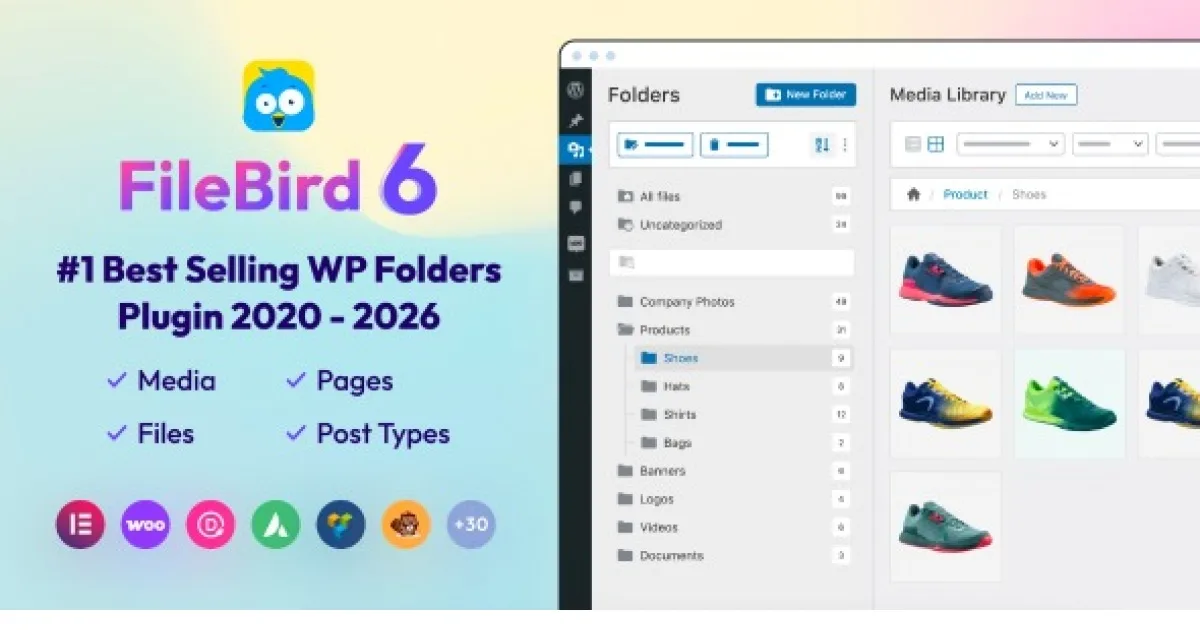
Overview & Details
WP Media Folder adds real folder management to the WordPress media library so you stop scrolling through thousands of mixed files. By default WordPress stores every image, PDF and video in one flat list with only basic date filters. This plugin lets you create folders and subfolders, drag and drop files between them, and browse everything visually from the dashboard instead of using FTP workarounds or renaming files to find them.
You can use it to organize busy blogs, magazines, WooCommerce stores, agency client sites and portfolio pages that rely on large image collections. It works inside Gutenberg, Classic Editor, Elementor and WPBakery, so your folder tree appears when you click Add Media. Daily tasks become faster, from sorting product photos by category, grouping uploads by author or month, reusing featured images, to turning a folder into a grid or masonry gallery.
WP Media Folder Key Features
- Unlimited Folders and Subfolders: Create a clear folder tree for topics, months, clients or product categories.
- Drag and Drop Organization: Move files between folders or reorder folders by dragging in grid or list view.
- Editor Integration: Access your folder tree directly in Gutenberg, Classic Editor, Elementor and WPBakery.
- Folder Based Galleries: Turn any image folder into a grid, masonry or portfolio style gallery in one click.
- Advanced File Filtering: Filter library files by file type, size and weight to locate assets quickly.
- Targeted Folder Search: Search by file name inside a specific folder instead of scanning the whole library.
- Custom Sorting Control: Sort folders and images manually to keep priority assets at the top.
- FTP Import and Sync: Import an existing server folder structure and recreate folders with files automatically.
- User Role Access: Limit folders by user role so authors and shop managers only see relevant uploads.
- Folder Cover Images: Assign a visual cover to each folder so clients can identify contents at a glance.
Download Latest GPL Version of WP Media Folder
Use the GPL files to test WP Media Folder in a staging or local install before touching a live library. Try rebuilding your folder structure, syncing an FTP directory, filtering by file type or size, generating a gallery from a folder, and checking role based access for authors and shop managers. This sandbox testing prevents broken images and permission issues on client sites. For live production use with updates and support, an official license is the right choice.
Note: If you find difficulty to free download WP Media Folder, contact us through Telegram or WhatsApp.
Download WP Media Folder v6.2.8
Choose your preferred download method below to get instant access to the genuine GPL archive:


