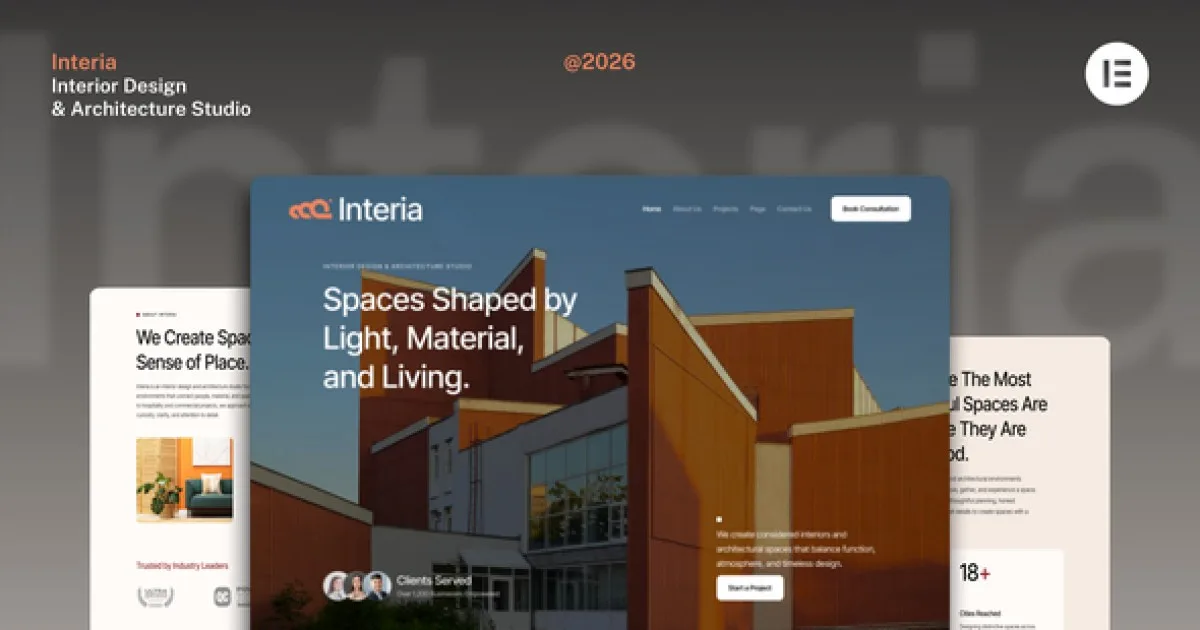
Queenlens – Portfolio & Photography Elementor Template Kit v1.0
 By Shine GPL Security Team
Overview & Details
Queenlens is an Elementor Template Kit for photographers, designers, agencies, and other creative professionals who need a polished portfolio website without building every layout from scratch. It solves the common problem of presenting visual work across consistent, responsive pages while reducing design and development time. The kit provides editable Elementor layouts, organized sections, and coordinated styling, allowing webmasters to create a professional creative website without writing code.
With Queenlens, you can build photography and portfolio websites using Homepage 1, Homepage 2, Homepage Dark, About Us, Team, Our Process, Service, Gallery, Contact, and Event Gallery templates. The kit also includes section templates and editable global styles for everyday adjustments to colors, spacing, typography, images, and content. Elementor is required, while Elementor Pro is needed for some templates and features. The Envato Elements plugin handles kit installation and template importing.
Queenlens Key Features
- Photography Portfolio Layouts: Create dedicated pages for showcasing creative work, galleries, and event photography.
- Multiple Homepage Designs: Choose from Homepage 1, Homepage 2, and Homepage Dark layouts.
- Creative Team Pages: Present agency members or collaborators with the included Team Page template.
- Service Presentation: Display photography, design, or agency offerings with the Service Page layout.
- Process Information: Explain project workflows through the Our Process Page template.
- Responsive Design: Adapt page content for desktop, laptop, and mobile screen sizes.
- Elementor Editing: Modify layouts, sections, colors, images, and content through the Elementor interface without coding.
- Global Kit Styles: Import coordinated styling settings before customizing individual templates.
- Section Templates: Use 18 predesigned sections to assemble or extend page layouts.
- Envato Elements Import: Install the kit through the Envato Elements plugin and save templates in Elementor.
Download Latest GPL Version of Queenlens Elementor Template Kit
Before deploying Queenlens on a client website, import the templates into a local XAMPP or LocalWP staging environment and test each page. Check desktop, tablet, and mobile breakpoints, confirm header and footer assignments where applicable, and submit the Contact Page form during testing. Replace demo images with properly licensed assets or your own work. An official license is recommended for live client websites when author support and licensed stock assets are required.
Note: If you find difficulty to free download Queenlens, contact us through Telegram or WhatsApp.
Download Queenlens – Portfolio & Photography Elementor Template Kit v1.0
This file is available exclusively to active Premium Members. Subscribe to any plan to unlock instant download access: