Alukas Theme Activator Plugin v2.1
 By ShineGPL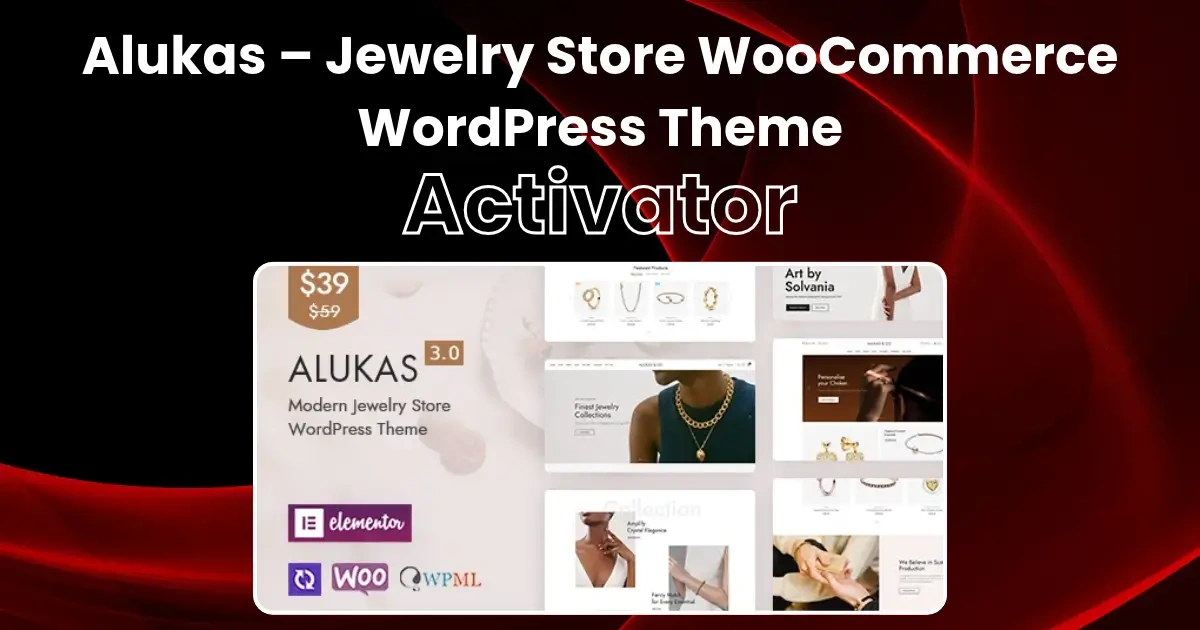
Overview & Details
Alukas Theme Activator Plugin is a specialized WordPress utility engineered to unlock full theme capabilities and streamline the setup workflow for the Alukas Modern Jewelry & Fashion WooCommerce WordPress theme. Webmasters building modern eCommerce, jewelry, luxury accessories, and high-converting fashion stores often struggle with restrictive license verification barriers and locked demo sections that trigger “Something went wrong!!” errors or prevent importing official pre-built starter layouts. Instead of manually editing theme core files or encountering recurring license expiration warnings, developers use Alukas Theme Activator to automatically register the theme, bypass remote verification checks, unlock all starter demos, and keep premium theme features permanently accessible out of the box.
Using this plugin, site builders can create cutting-edge jewelry stores, luxury fashion boutiques, handcrafted accessory showcases, and high-converting WooCommerce storefronts. In daily operations, administrators can unlock the complete Alukas demo importer with a single click, import all 16+ pre-designed home concepts seamlessly, and configure dynamic AJAX shop filters, Product Quick View, Sticky Add to Cart, Variation Swatches, and Elementor page builder elements without license interruption. It also features automatic license injection before database queries, suppression of re-authentication error notices, zero-impact core file protection, and full compatibility across live and staging environments.
Alukas Theme Activator Plugin Key Features
- Instant 1-Click License Activation: Automatically injects an active direct license status before database queries, keeping the theme permanently registered.
- 16+ Home Demos & Templates Unlocked: Unlocks unrestricted access to all multi-concept starter templates, home layouts, and shop pages without any purchase code hurdles.
- Full Elementor Compatibility: Build custom luxury layouts, header/footer blocks, and promotional banners smoothly with full drag-and-drop flexibility.
- WooCommerce eCommerce Power: Complete support for AJAX live search, variation swatches, single product layouts, fly-out mini-cart, and wishlists.
- Permanent Activation Shield: Prevents license revocation or deactivation during theme options configuration or minor version switches.
- Zero Bloat & Safe Code: Lightweight, clean GPL code that operates transparently in the background without affecting website speed or performance.
How to Install and Activate Alukas Theme (Installation Guide)
Follow these quick and easy steps to set up the Alukas theme and import demo templates on your WordPress site:
Step 1: Download & Install Alukas Theme
- Download the Alukas Theme zip file from our website.
- Log in to your WordPress Dashboard and navigate to Appearance > Themes > Add New > Upload Theme.
- Choose the downloaded theme file, click Install Now, and then click Activate.
Step 2: Download & Install Alukas Theme Activator Plugin
- Download our Alukas Theme Activator plugin from our website.
- Go to your WordPress Dashboard > Plugins > Add New > Upload Plugin.
- Select the activator zip file, click Install Now, and then click Activate Plugin.
- Your Alukas theme is now successfully activated with a verified lifetime license!
Step 3: Install & Activate All Required Plugins
- After activating the theme and activator, install all required core plugins (such as Alukas Core, Elementor, WooCommerce, etc.).
- Go to Appearance > Install Plugins (or click the plugin install notice in your dashboard).
- Select all plugins, choose Install from the bulk actions dropdown, and click Apply.
- Once installed, activate all the plugins.
Step 4: Import Demo Content
- In your WordPress dashboard, navigate to Alukas / PLS Theme > Demo Import.
- Browse through the available demo versions, select your favorite layout, and click Import.
- Confirm the import options and let the importer finish the setup process.
- Note: When importing, if that particular demo requires any additional specific plugins, install and activate those required plugins as prompted to complete the full setup.
Important Note Regarding Demo Images: Please note that original demo images may not be available in demo imports because images come with copyright restrictions by the original author. Placeholders or dummy images will be set so you can easily replace them with your own brand products and promotional banners.
Note: If you find difficulty to download Alukas Theme Activator Plugin, contact us through Telegram or WhatsApp.
Download Alukas Theme Activator Plugin v2.1
This file is available exclusively to active Premium Members. Subscribe to any plan to unlock instant download access: