
Orderable Pro – The Best Online Ordering System for Restaurants v1.20.0.0
 By ShineGPL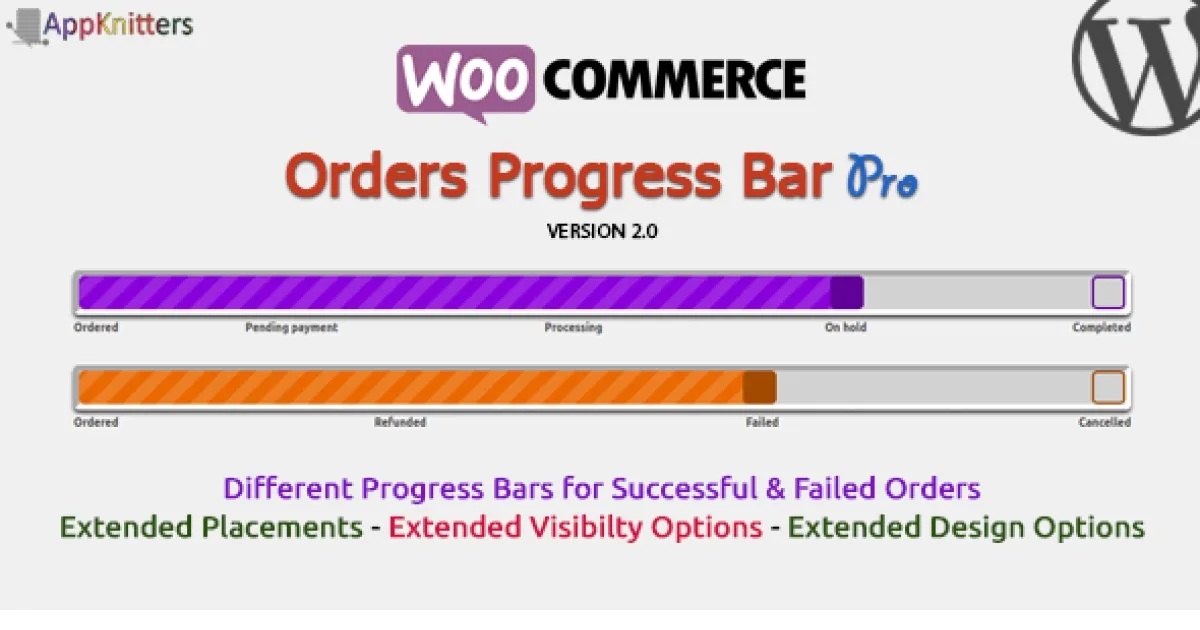
Overview & Details
Orderable Pro is a WooCommerce add on that shows order progress as a clear visual bar instead of plain text statuses. It solves the confusion customers feel when they cannot tell if food is pending, preparing, or on the way. Store owners use it instead of custom code snippets, extra email edits, or support messages asking for updates about every single order.
It works well for restaurants, cloud kitchens, bakeries, and takeaway shops running WooCommerce checkout and order emails. You can show the bar on customer order lists, single order views, the tracking page, the received page, and inside admin order rows. Day to day, you map existing or custom statuses, pick a theme, adjust colors and corners, and place it below titles or order details with live preview without touching template files or CSS.
Orderable Pro Key Features
- Visual Order Progress Bar: Displays current order stage as a simple graphic on customer facing and admin screens.
- Multiple Display Locations: Automatically injects the bar on orders list, single order, tracking page, received page, and emails.
- Admin Orders View: Shows progress below each order in the WooCommerce admin list for quick scanning.
- Email Progress Display: Adds the same visual status inside customer order emails for fewer repeat questions.
- Success and Failed Tracks: Uses separate status sets so cancelled or failed orders show a logical path.
- Custom Status Support: Works with statuses added by code or another plugin and lets you choose which to show.
- Themes and Colors: Includes ready themes with control over colors, inactive area, and corner roundness.
- Border and Shadow Controls: Adjusts border width, style, color, radius, and shadow for each progress track.
- Flexible Placement: Lets you position the bar below the title, below order details, or other supported spots.
- Live Settings Preview: Shows changes instantly in settings so you can match your store design before saving.
- Lightweight Setup: Runs without coding skills and keeps added markup and styling focused on order pages.
Download Latest GPL Version of Orderable Pro
You can use the GPL files to test status mapping, success and failed tracks, placement, and email rendering in a staging copy of your WooCommerce store. Check how custom statuses from code or other plugins display, and confirm readability on tracking and received pages. Staging tests prevent confusion and downtime on a live restaurant site, while an official license is the right choice for production support and updates.
Note: If you find difficulty to free download Orderable Pro, contact us through Telegram or WhatsApp.
Download Orderable Pro – The Best Online Ordering System for Restaurants v1.20.0.0
Choose your preferred download method below to get instant access to the genuine GPL archive:


