Wisdm Instructor Role for LearnDash v5.10.5
 By ShineGPL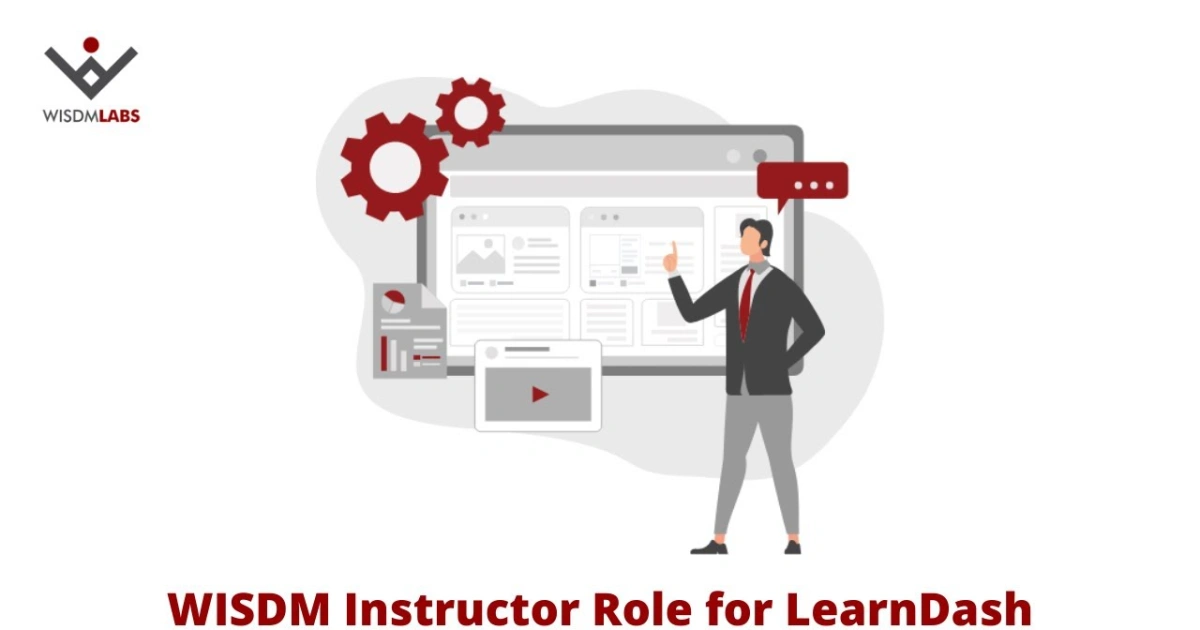
Overview & Details
Wisdm Instructor Role for LearnDash is a dedicated WordPress extension designed to transform your e-learning site into a multi-instructor course marketplace. Site administrators running LearnDash often struggle with giving educators content editing privileges because standard WordPress roles expose sensitive backend settings and risk accidental data changes. Instead of sharing full administrator access or writing custom permission scripts, webmasters use this plugin to empower instructors with a dedicated frontend dashboard for course creation, student management, and revenue sharing.
Using this extension, developers can build collaborative learning portals, multi-author tutoring academies, and professional course marketplaces. In daily operations, instructors can build courses, lessons, topics, and quizzes directly from the frontend using intuitive course and quiz builders. It also allows you to assign multiple instructors to a single course, manage group leaders, facilitate direct student-instructor communication within the portal, and automate accurate revenue share payouts without ever exposing the main WordPress administration dashboard.
Wisdm Instructor Role for LearnDash Key Features
- Frontend Course Creation: Allow instructors to build, edit, and manage courses, lessons, topics, and quizzes directly from the frontend interface.
- Dedicated Instructor Dashboard: Provide educators with a centralized workspace to manage their students, monitor progress, and handle administrative tasks independently.
- Backend Access Restriction: Lock down the WordPress admin dashboard so instructors cannot view or alter sensitive LearnDash settings or other users’ content.
- Frontend Quiz Builder: Design engaging assessments with multimedia elements and exclusive question types using a streamlined frontend quiz editor.
- Multi-Instructor Course Assignment: Assign multiple instructors and group leaders to collaborate on a single course or training program.
- Automated Revenue Sharing: Keep educators motivated by setting custom revenue share percentages and automating payout tracking through the dashboard.
- Internal Student-Instructor Communication: Enable direct queries and messaging within the eLearning portal to eliminate external email clutter.
- Enhanced Security Architecture: Improve site security by keeping third-party educators completely away from core WordPress backend controls.
Download Latest GPL Version of Wisdm Instructor Role for LearnDash
Before activating Wisdm Instructor Role for LearnDash on a live education portal, test your frontend course creation flows, quiz builders, and revenue-sharing calculations inside a local XAMPP or LocalWP staging environment. Running sandbox checks ensures that instructor permission restrictions and dashboard redirects do not conflict with your custom theme hooks or cause downtime for active students. Once you confirm that multi-author workflows operate correctly, purchasing an official developer license is recommended to receive ongoing security updates and direct plugin support.
Note: If you find difficulty to free download Wisdm Instructor Role for LearnDash, contact us through Telegram or WhatsApp.
Download Wisdm Instructor Role for LearnDash v5.10.5
Choose your preferred download method below to get instant access to the genuine GPL archive: